Which Car Stereo Has the Best Apple CarPlay?
Last Updated: November 1, 2026
Quick Summary
The best Apple CarPlay stereo depends on your vehicle, your connection preference, and how you drive, so fit and features should decide the choice before brand. HB Auto Sound OC matches a Good, Better, or Best tier to each driver's real use case, starting with the dash opening and wiring. This keeps the apple carplay stereo you pick compatible with your car.
- Measure your dash opening and confirm wiring before choosing a unit, since fit causes most returns.
- Wireless CarPlay removes the cable, while wired CarPlay often charges your phone and reconnects more simply.
- A double-DIN opening usually fits a 6.8-inch to 7-inch display, while a single-DIN opening is about 2 inches tall.
- Confirm steering-wheel control and backup camera support with the correct interface module before you buy.
- Good tier suits second vehicles, Better suits most daily drivers, and Best suits convenience-focused long-term owners.
Table of Contents
- How We Choose an Apple CarPlay Stereo for Your Vehicle
- Good, Better, Best: Apple CarPlay Stereos at Each Price Level
- Wireless Apple CarPlay Head Unit or Wired? Choosing the Connection
- Double-DIN Apple CarPlay Stereo vs. Single-DIN Fit
- Car Stereo Compatibility With Factory Features
- Portable Apple CarPlay Screen vs. In-Dash Stereo
- Booking Your Apple CarPlay Stereo Consultation at HB Auto Sound OC
- Frequently Asked Questions
How We Choose an Apple CarPlay Stereo for Your Vehicle
Choosing an Apple CarPlay stereo starts with your vehicle, not the box on the shelf. At HB Auto Sound OC, we begin every consultation by asking how you drive, what you listen to, and which features you use every day. Those answers narrow the field far faster than any spec sheet.
Fit comes first. Many cars use a single-DIN opening, while others take a double-DIN unit, and some factory dashboards need a specific adapter or wiring harness to keep the radio, steering wheel controls, and backup camera working. We check the dash opening and wiring before recommending a head unit.
Next we look at how you want to connect. Wireless CarPlay removes the cable, but it is not always the best choice for every phone or every budget. Wired CarPlay is often simpler and more stable. We walk through both options with you so you can pick the one that fits your daily routine.
Finally, we match the stereo to your listening habits. A driver who mostly takes calls and navigates needs a clear screen and reliable voice control. A driver who wants a stronger system will want room for amplifiers and speakers later.
Good, Better, Best: Apple CarPlay Stereos at Each Price Level
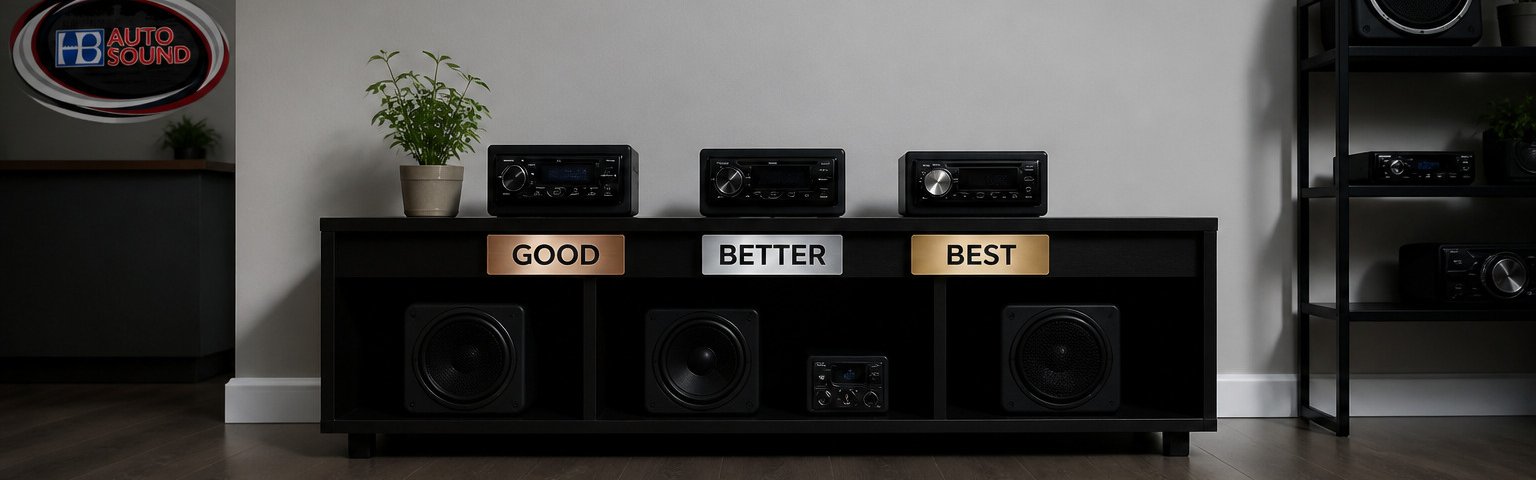
Apple CarPlay stereos fall into three practical tiers, and the right tier depends on how you drive, what you listen to, and how long you plan to keep the vehicle. Rather than rank units by spec-sheet bragging rights, we match each tier to a real use case and flag what to confirm before you commit.
Good: the reliable entry point. A budget CarPlay receiver gets your phone on the dash screen without a large outlay. The trade-offs are real: smaller displays, resistive or lower-brightness panels that wash out in direct sun, slower startup, and fewer preamp outputs if you plan to add amplifiers later. These units suit a second vehicle, a commuter you will keep a few more years, or a driver who mainly wants navigation and calls. Confirm three things before buying at this tier: whether CarPlay is wired only, whether the unit retains steering-wheel controls with the correct interface module, and whether the dash kit for your vehicle is available.
Better: the sweet spot for most drivers. Mid-range receivers add capacitive touchscreens, brighter displays, faster boot times, and cleaner preamp sections. This is where wired versus wireless becomes a real decision rather than a checkbox. At this tier, ask whether the unit supports a backup-camera input, how many preamp outputs it offers, and whether the firmware receives updates.
Best: premium and wireless. Flagship receivers bring wireless CarPlay, larger and brighter displays, faster processors, and better integration with factory systems. At this tier, the questions shift to long-term software support, warranty coverage, and whether the unit's processing power keeps the interface responsive after several years of updates.
What separates the tiers in practice:
- Display: Budget panels can be hard to read in daylight; mid-range and premium units use brighter capacitive screens with better glare handling.
- Startup and connection: Premium processors boot faster and reconnect wireless CarPlay more reliably after the phone leaves and re-enters the vehicle.
- Audio: More preamp outputs and cleaner signal paths matter if you plan to add amplifiers or a subwoofer.
- Factory integration: Higher tiers more often support steering-wheel controls, backup cameras, and vehicle information through the correct interface modules.
- Support: Premium lines tend to receive firmware updates longer, which matters for CarPlay stability over time.
| Tier | Typical Strengths | Typical Trade-offs | Best For |
|---|---|---|---|
| Good | Lower entry point, core CarPlay | Smaller or dimmer screens, slower startup, fewer preamp outputs | Second vehicles, basic commutes |
| Better | Brighter capacitive screens, faster boot, cleaner audio | Wired-only on many models | Most daily drivers |
| Best | Wireless CarPlay, larger displays, longer update support | Higher entry point, more complex install | Convenience-focused, long-term owners |
Our team can walk you through these tiers against your specific vehicle and listening habits. Our boutique approach means we recommend only select lines we trust for reliability and customer satisfaction, and we pair each unit with the right components for how you drive. For wiring and fit details, see our installation services, including our car audio installation and vehicle audio specialist team, or contact us to compare options.
Wireless Apple CarPlay Head Unit or Wired? Choosing the Connection
A wireless Apple CarPlay head unit lets your phone connect without a cable. You pair once and the connection starts when you get in the car. That convenience is the main reason many drivers choose wireless.
Wired CarPlay has its own strengths. It usually charges your phone at the same time and avoids the occasional reconnect that some wireless setups need. If you use your phone's cable for charging anyway, a wired unit keeps things simple.
The right choice depends on your phone, your vehicle, and how you use the system.
Double-DIN Apple CarPlay Stereo vs. Single-DIN Fit
DIN refers to the standard size of the radio opening in your dashboard. A single-DIN opening is about 2 inches tall, while a double-DIN opening is about 4 inches tall. Your vehicle determines which size fits without modification, and getting this wrong is the most common reason a CarPlay upgrade turns into a return.
Double-DIN: the default for most modern vehicles. A double-DIN Apple CarPlay stereo offers a larger screen and more room for controls, which is why most CarPlay receivers are built in this size. A double-DIN opening usually accommodates a 6.8-inch to 7-inch display cleanly, and the larger chassis leaves room for better processing and more preamp outputs.
Single-DIN: compact openings, compact solutions. A single-DIN unit fits smaller openings and can still deliver CarPlay, often with a compact screen. These are common in older vehicles, trucks, and some specialty dashboards. The trade-off is screen size and, often, fewer features. Some single-DIN openings can be converted to double-DIN with a dash kit, but that depends on the depth behind the dash and whether there is room for the larger chassis.
What to check before you buy, the part most guides skip:
- Dash opening dimensions: Measure the height and width of the factory opening, not just the visible face. Behind-dash depth matters too.
- Wiring harness: Most vehicles need a vehicle-specific harness to connect the new radio to factory power, speakers, and illumination.
- Steering-wheel-control interface: A separate module is usually required to keep steering-wheel buttons working.
- Backup camera retention: If your vehicle has a factory camera, confirm the new unit supports it and that the correct adapter is available.
- Antenna adapter: Many vehicles need an adapter for the factory antenna connection.
- Dash kit: A vehicle-specific dash kit makes the new unit sit flush and look factory-installed.
Installation difficulty and what to expect: Vehicles with integrated factory systems, amplified audio, or climate controls built into the radio can take longer and may require additional modules. DIY is possible for straightforward dashes, but the risk is losing factory features or damaging trim. Professional installation can include the harness, interface, dash kit, and testing.
Before you buy, confirm your dash opening size and the parts your vehicle needs. Our team checks fit and recommends the correct mounting kit and interface so the new unit sits flush and keeps the features you rely on. We handle custom box and enclosure work for vehicles that need it.
Car Stereo Compatibility With Factory Features
Keeping factory features is one of the most common concerns we hear. Drivers worry about losing steering wheel controls, the backup camera, or the factory display when a new stereo goes in. These are fair concerns, and they depend heavily on your specific vehicle.
Many vehicles need a compatible interface or harness to keep steering wheel controls and other features working. Our guide on keeping steering wheel controls with an aftermarket stereo explains which interface modules work with which setups. Some integrated factory systems require extra modules to retain functions like climate or vehicle information. We review your vehicle's systems before recommending a unit so the upgrade does not cost you features you rely on.
If your factory stereo still works well for you, it is worth checking for common signs that an upgrade is due, such as distortion, missing Bluetooth, or poor navigation. You can review the clear signs it is time to upgrade your car stereo to see whether your unit has reached that point.
Portable Apple CarPlay Screen vs. In-Dash Stereo
A portable Apple CarPlay screen is a standalone display that you can move between vehicles. It requires no dashboard work, which makes it attractive for renters or drivers who want a quick, low-commitment setup.
An in-dash stereo is installed permanently in your dashboard. It integrates with your vehicle's wiring, speakers, and factory features, and it usually delivers better sound quality and a cleaner look. For most drivers who keep their car for years, an in-dash unit is the stronger long-term choice.
Choose a portable screen if you need flexibility or want to avoid installation. For a broader look at all the options, see alternatives to factory car stereos. Choose an in-dash stereo if you want a permanent, integrated upgrade. Our team can walk you through the trade-offs for your vehicle.
Booking Your Apple CarPlay Stereo Consultation at HB Auto Sound OC
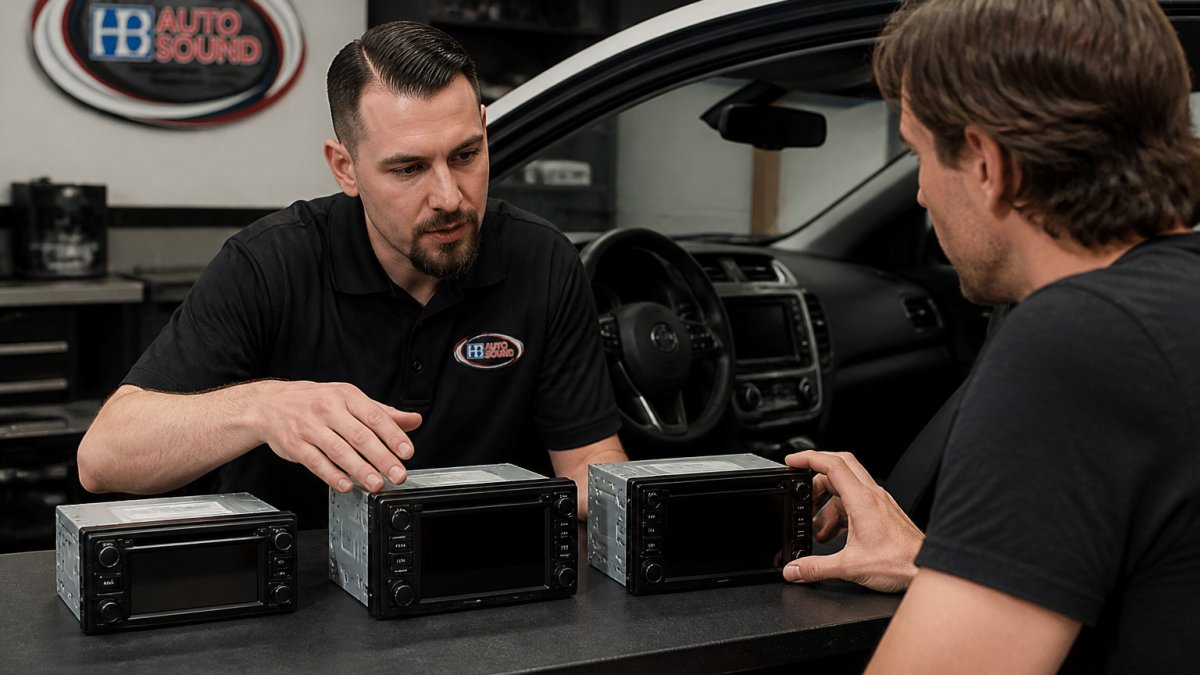
Ready to narrow down your options? A consultation with our team is the fastest way to find the right Apple CarPlay stereo for your vehicle, budget, and listening habits. We will check fit, confirm connection type, and explain what you can expect from installation.
Call us, visit our store, or request a free quote online for current prices.
Frequently Asked Questions
What is the best car stereo with Apple CarPlay?
The best choice depends on your vehicle, budget and how you use it. Our team can recommend good, better and best options matched to your vehicle and listening preferences. Our team can match a unit to your dash and your listening preferences before you buy.
What is the difference between wired and wireless Apple CarPlay stereos?
Wired CarPlay connects your iPhone through a USB cable, while wireless CarPlay connects over Bluetooth and Wi-Fi so the phone can stay in your pocket. Wired connections are typically more stable and charge the phone at the same time. Wireless setups add convenience for short trips and shared vehicles. Confirm whether a model supports wireless CarPlay before buying, because some receivers only offer wired connections.
Will an Apple CarPlay stereo fit my car?
Fit depends on your dashboard opening, wiring harness and whether your vehicle uses a factory amplifier or integrated controls. A dash kit and wiring harness usually bridge the gap. Share your year, make and model with our team and we will check the correct fit and parts for your vehicle.
Can I keep my steering-wheel controls when I upgrade my stereo?
Often yes, but it requires a compatible steering-wheel control interface that matches your vehicle and the new receiver. Without the right interface, the buttons may stop working even though the stereo installs correctly. Confirm this with a vehicle-specific compatibility check before purchase. Our certified installers handle the wiring and interface setup.

Ready to Upgrade Your Ride?
Call us at (714) 842-1250 or visit us at 16732 Beach Blvd Ste A, Huntington Beach.
Get a Free Quote